Why Is My Website Not Getting Leads? 15 Reasons & How to Fix Them

You built a website, maybe you even rank for some keywords or run ads, but the enquiries are not coming. Traffic without leads is frustrating because it feels like you did the hard part and still got nothing. The truth is, getting people to your site is only half the job. The other half is giving them a clear reason and an easy way to contact you. This guide lists 15 real reasons your website is not generating leads, in the order I usually find them, and the practical fix for each.
The Quick Answer
A website fails to generate leads when it either attracts the wrong visitors, fails to build trust, or makes contacting you too hard. Most lead problems fall into three buckets: traffic quality (you rank for the wrong intent), on-site conversion (the page does not persuade or guide), and technical friction (the contact path is broken or slow). Fix the bucket that matches your symptom first.
Reason 1: You Are Ranking for the Wrong Intent
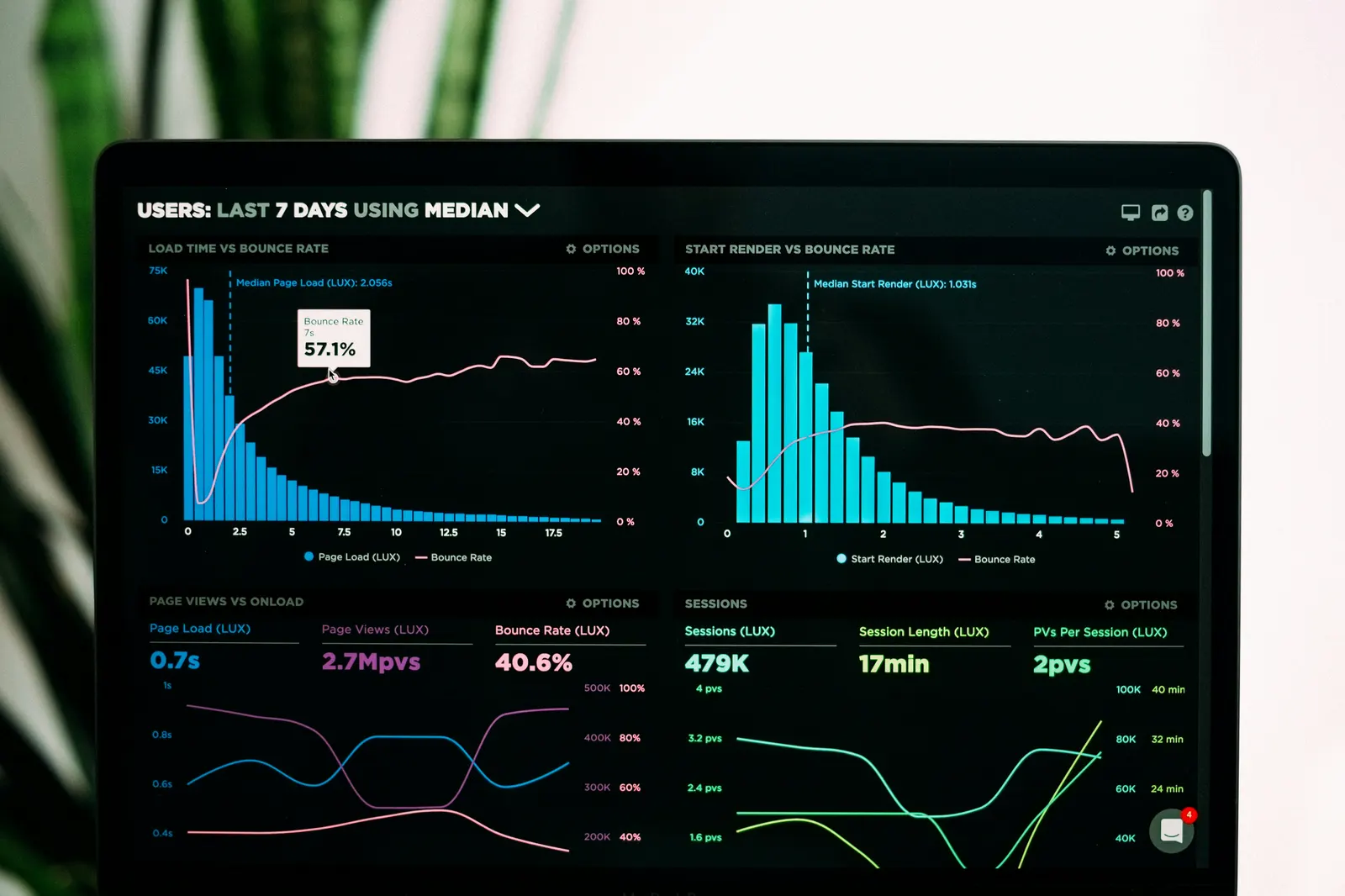
The number one cause of traffic without leads is ranking for informational keywords when you need commercial keywords. If your blog post "what is SEO" gets 1,000 visits but your service page gets 20, you have an intent mismatch. People searching "what is SEO" want to learn, not hire. People searching "SEO services in India" want to hire.
Fix: Audit which pages bring traffic using Google Search Console. Identify the pages with commercial intent and build or strengthen them. Move internal links so your money pages get more weight. Read our keyword research guide to map demand by intent before writing more.
Reason 2: No Clear Call to Action Above the Fold
If a visitor has to scroll and hunt to find how to contact you, most will not. The first screen of your website should answer two questions: what do you do, and how do I reach you. A phone number, WhatsApp button, or enquiry form should be visible without scrolling.
Fix: Put one primary call to action above the fold. "Get a free consultation", "Call now", or "Get a quote". One action, not five. Confused visitors do nothing.
Reason 3: Your Contact Form Is Too Long
Every extra field in a form reduces submissions. A form asking for name, email, phone, company, budget, message, and "how did you hear about us" will lose more than half its potential leads. People abandon forms that feel like work.
Fix: Reduce your form to the minimum needed to start a conversation: name and phone, or name and email. Ask the rest later. This single change often lifts lead volume significantly.
Reason 4: No Phone Number or WhatsApp Option
In India, many buyers prefer to call or WhatsApp rather than fill a form. If your only contact method is a form, you lose the people who want to talk now. A clickable phone number and a WhatsApp link are essential, especially on mobile.
Fix: Add a clickable tel: link and a WhatsApp wa.me link in your header and footer. Make them visible on every page. If you offer local SEO services, a phone number is often the highest-converting element on the page.
Reason 5: Your Website Is Slow
A site that takes more than three seconds to load loses visitors before they ever see your offer. Speed also affects rankings, so slow sites lose traffic too. Large images, cheap hosting, and heavy plugins are the usual causes.
Fix: Compress images, enable caching, and remove unused plugins. Check your Core Web Vitals in Search Console and fix the pages flagged as slow.
Reason 6: It Does Not Work Well on Mobile
Most of your visitors are on phones. If text is too small, buttons are hard to tap, or the layout breaks on mobile, people leave. Google also ranks mobile-unfriendly sites lower.
Fix: Open your site on a phone. Try to read it and tap the contact button. If it is awkward, fix the layout. Use a responsive design with tap targets at least 44px.
Reason 7: No Proof or Credibility Signals
Visitors do not know you. Without reviews, client names, certifications, or clear expertise, they have no reason to trust you over a competitor. Trust is what turns a visitor into an enquiry.
Fix: Add genuine reviews, real client logos (with permission), certifications, and a clear "about" section showing who you are. Link your Google reviews. Never invent testimonials, fake clients, or made-up results, they destroy trust when exposed and can violate advertising rules.
Reason 8: Your Copy Is About You, Not the Customer
"We are a leading provider of innovative solutions" tells the visitor nothing useful. People care about their problem and whether you can solve it. Copy that talks about your company instead of the customer's pain converts poorly.
Fix: Rewrite your hero section around the customer's problem and the outcome they want. "Get more customers from Google" beats "We provide digital marketing services." Read our landing page optimization guide for the framework.
Reason 9: No Service or Location Pages
A single "Services" page listing everything ranks for nothing and converts weakly. People search for specific services in specific places. If you have no dedicated service or location pages, you miss those searches entirely.
Fix: Create one page per service and one per location you serve. Each should answer what the service is, who it is for, and how to enquire. See how SEO services and local SEO in Jabalpur pages are structured.
Reason 10: You Have No Traffic at All
Sometimes the answer is simple: almost nobody is visiting. A new site with no SEO, no ads, and no promotion gets a handful of visits from people you already know. No traffic means no leads, regardless of how good the site is.
Fix: You need a traffic source. Start with SEO for long-term free traffic, or Google Ads for immediate traffic. Our lead generation strategy page explains how to combine both.
Reason 11: Your Ads Send Traffic to the Wrong Page
If your Google Ads send people to your homepage, you are paying for poor conversions. Homepage visitors have to find what they want. A dedicated landing page built for the ad converts far better.
Fix: Send each ad to a landing page that matches the ad's promise. If the ad says "SEO audit", the page should offer an SEO audit, not a generic homepage. Learn this in our Google Ads optimization guide.
Reason 12: No Follow-Up System
Many leads are lost after they arrive. If a form submission sits in your inbox for two days, the lead went cold or found a competitor. Speed of response directly affects whether an enquiry becomes a customer.
Fix: Set up immediate email or SMS notifications for new enquiries. Respond within hours, not days. A simple auto-reply confirming receipt buys you time while you respond properly.
Reason 13: Your Offer Is Unclear
If a visitor cannot tell in 10 seconds what you do, who you help, and what the next step is, they leave. Vague offers kill conversions. "Digital marketing solutions" is not an offer. "Get more qualified leads from Google in 90 days" is.
Fix: State your offer clearly and specifically. What is the outcome, for whom, and in what timeframe? Make it the first thing people read.
Reason 14: You Are Not Capturing the "Not Ready Yet" Visitors
Most visitors are not ready to buy on their first visit. If your only option is "call now or leave", you lose the majority. Capturing their contact info lets you nurture them until they are ready.
Fix: Offer something useful in exchange for an email: a free audit, a checklist, or a guide. Then follow up with helpful content. Our free SEO audit is exactly this kind of lead capture offer.
Reason 15: Your Website Looks Outdated or Unprofessional
People judge credibility by design. A site that looks like it was built in 2010 signals a business that may be equally out of touch. First impressions form in seconds, and design drives them.
Fix: A modern, clean, fast design pays for itself in trust. If your site is dated, a redesign focused on conversion, not just looks, is worth it. See our website design services for conversion-focused redesigns.
How to Diagnose Your Specific Problem
Do not guess. Work through these questions in order:
- Is there traffic? Check Google Search Console and Analytics. If visits are near zero, your problem is traffic (reasons 10, 9). Start with SEO or ads.
- Is the traffic relevant? Look at which pages get visits. If only blog posts get traffic and service pages do not, you have an intent problem (reason 1).
- Are visitors leaving quickly? A high bounce rate on your service pages points to conversion or speed problems (reasons 2, 3, 4, 5, 6, 7, 8, 13).
- Are enquiries arriving but not converting? That is a follow-up or offer problem (reasons 12, 13).
This diagnostic order stops you from fixing the wrong thing. A faster contact form will not help if nobody visits.
When Professional Help Makes Sense
If you have worked through the list and still cannot find the leak, or if you know the problem but lack the time or skill to fix it, professional help is the efficient path. A trained eye finds conversion problems in minutes that take a business owner weeks to stumble on. The cost of lost leads each month usually exceeds the cost of fixing the problem.
I offer a free website audit that identifies exactly which of these 15 issues is costing you leads, with a prioritized fix list. You can also book a free SEO consultation to map a traffic and conversion plan together. For related reading, see how to do an SEO audit and our guide to SEO vs Google Ads for leads.
Ready to Implement This Strategy?
Stop reading and start executing. Explore our Data-Driven SEO Services or book a direct strategy call.
Book Your Strategy AuditFrequently Asked Questions
Transform Insights into Revenue
Partner with an AI-driven consultant to map out a measurable growth system specifically for your brand.

Jagmohan Kurmi
AI-Driven Full-Stack Digital Marketer
Jagmohan Kurmi helps Indian businesses grow with SEO, local SEO, Google Ads, Meta Ads, WordPress websites, AI visibility, lead generation, content strategy, AI tools training, and performance-focused digital marketing systems. As an AI SEO Expert in India, I specialize in Answer Engine Optimization and data-driven performance marketing using my M.Tech in Industrial Engineering and Management framework.